Floor Swap AI for iPhone
Your room,
with a new floor.
Photograph any room and see it with a new floor in seconds. Walls, furniture and light stay just as they are.
Includes 2 free generations. No account needed.
Carrara Marble · drag to compare
How it works
Three steps to
a new look.
No measuring or samples to order. Just a photo.
- 1
Capture your room
Take a photo or pick one from your library. Stand in a corner and include as much floor as you can.
- 2
Pick a floor
Choose from our collection of wood, tile, concrete, vinyl and more, or upload your own design.
- 3
See it, refine it
Drag to compare before and after, ask for tweaks like “a little darker”, then save or share.
The collection
Wood, stone, tile,
or your own.
Browse curated finishes across every category, or upload a photo of any floor you love.
45 styles · 8 categories
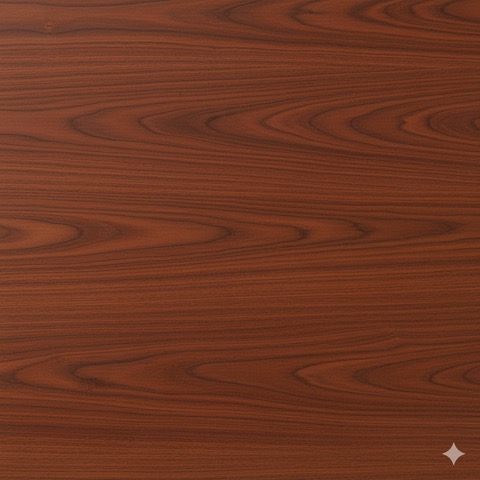
Brazilian Cherry Wood
Wood

Dark Walnut
Wood
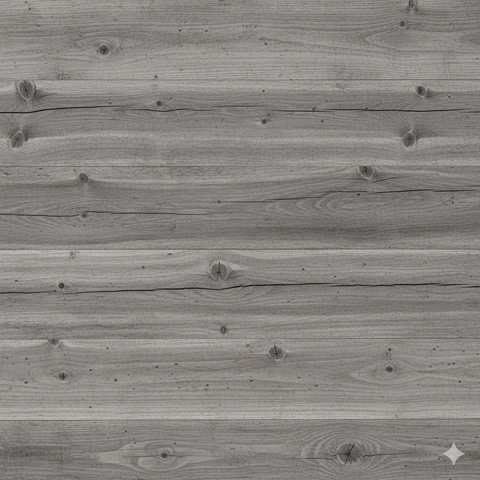
Gray Barnwood
Wood
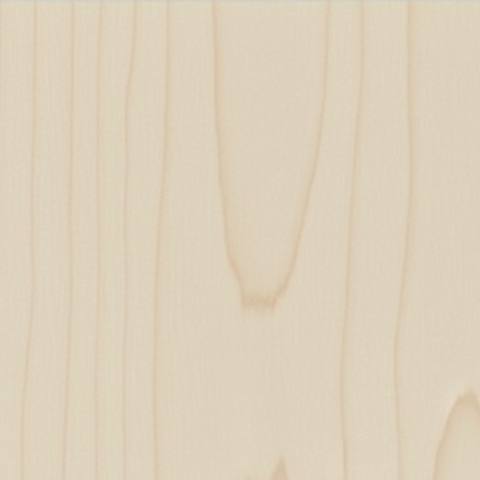
Natural Maple Hardwood
Wood
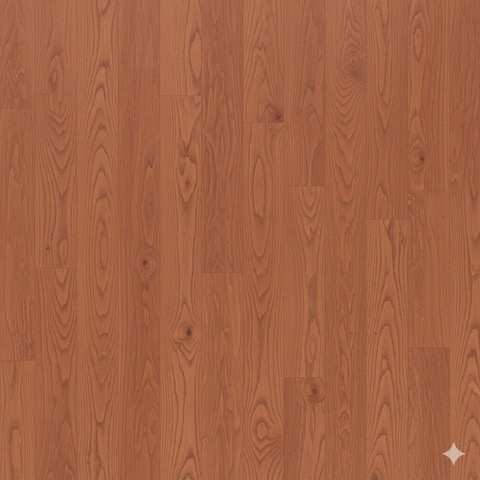
Red Oak
Wood
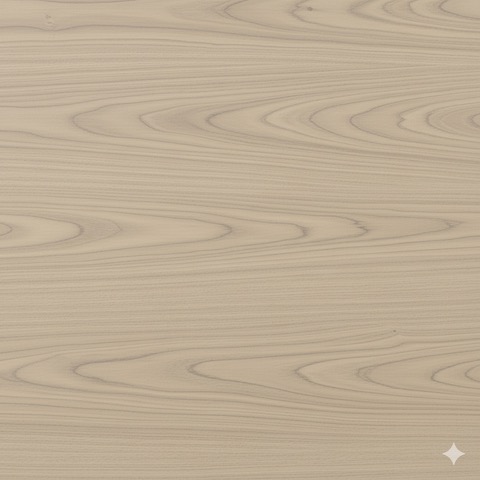
White Oak
Wood
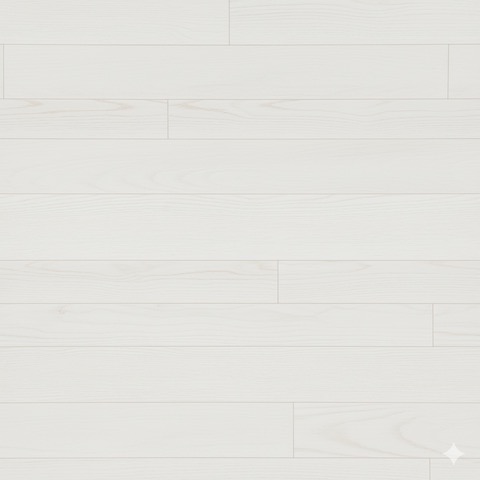
White Washed Wood
Wood
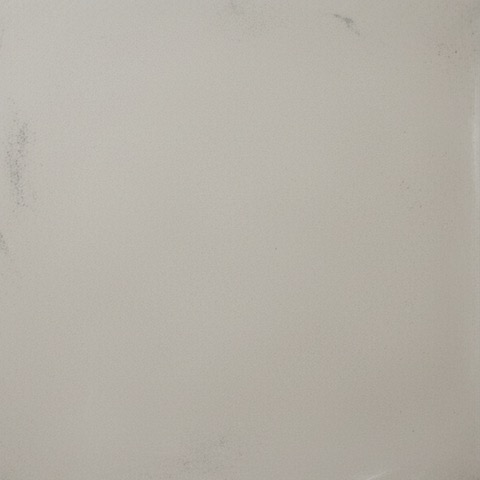
Concrete Coating And Overlays
Concrete
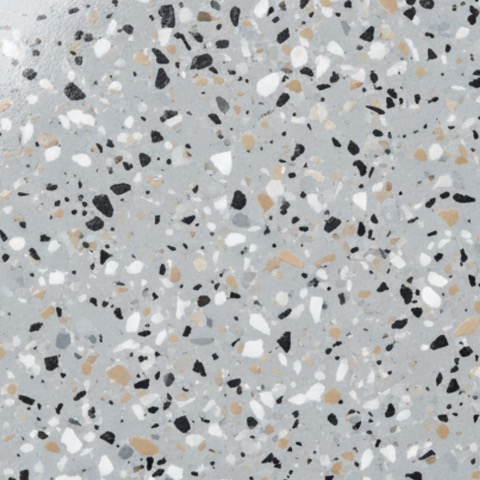
Epoxy Coated Concrete
Concrete
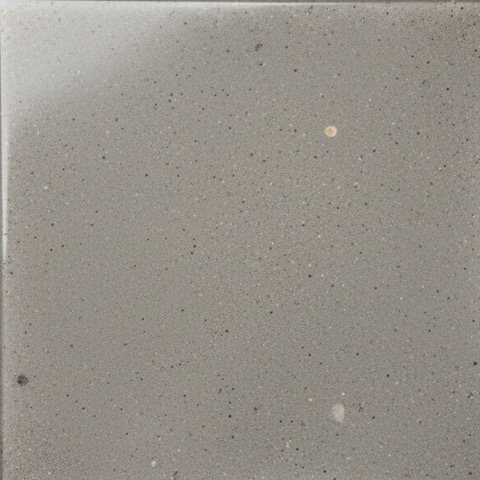
Polished Concrete
Concrete
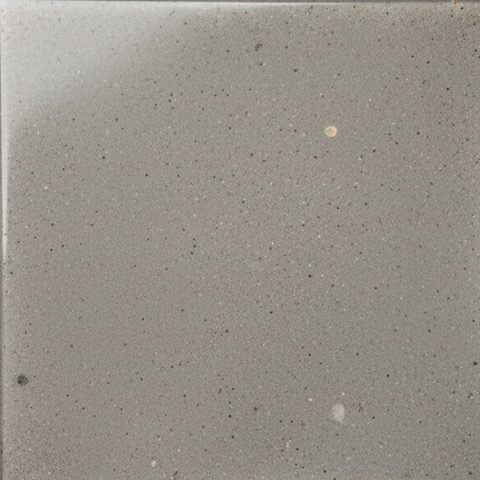
Polyurethane/Polyaspartic Coating
Concrete
- Yours
Your floor
Upload any design
Your photos
How your photos
are handled.
No account, no ads, no tracking. Your photo is used only to design your floor.
Used only to process
Your room photo, chosen floor and any refine notes are used only to create your design.
Sent securely
They’re processed by our secure AI partner over an encrypted connection, and only after you agree.
Never stored
We don’t store your photos. Your results are saved only on your iPhone.
Floor Swap AI Pro
See every floor
in your space.
Start with 2 free generations, then upgrade in the app whenever you’re ready.
Unlimited generations
Restyle as many rooms as you like.
Every style, plus your own
Try the full collection or upload any floor design.
Priority support
Talk directly to the Floor Swap AI team.
Try a new floor before you buy one.
Download Floor Swap AI for iPhone. Your first 2 designs are on us.
Download on the App Store